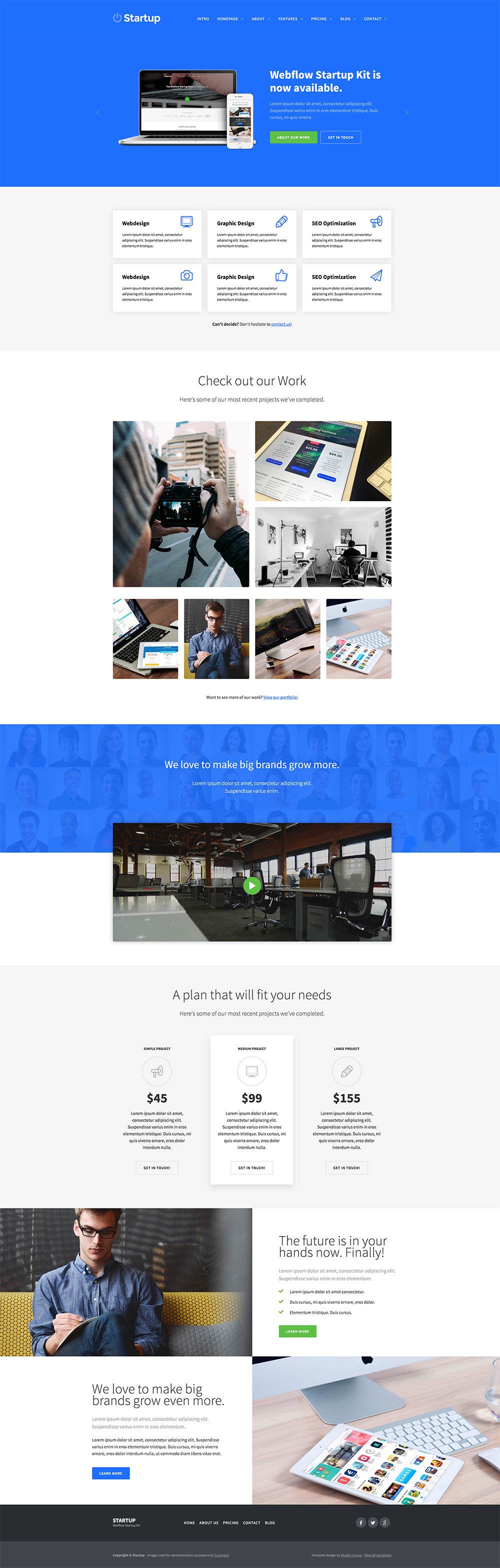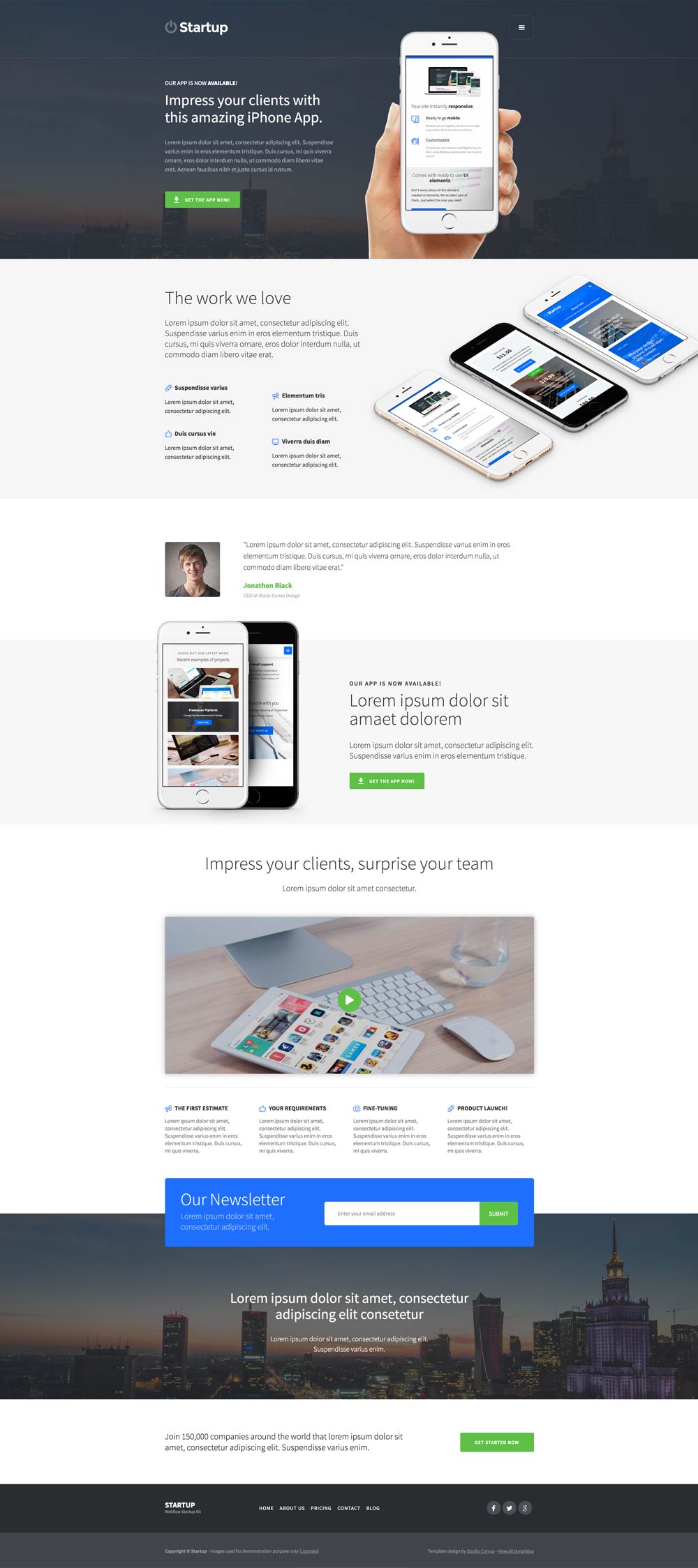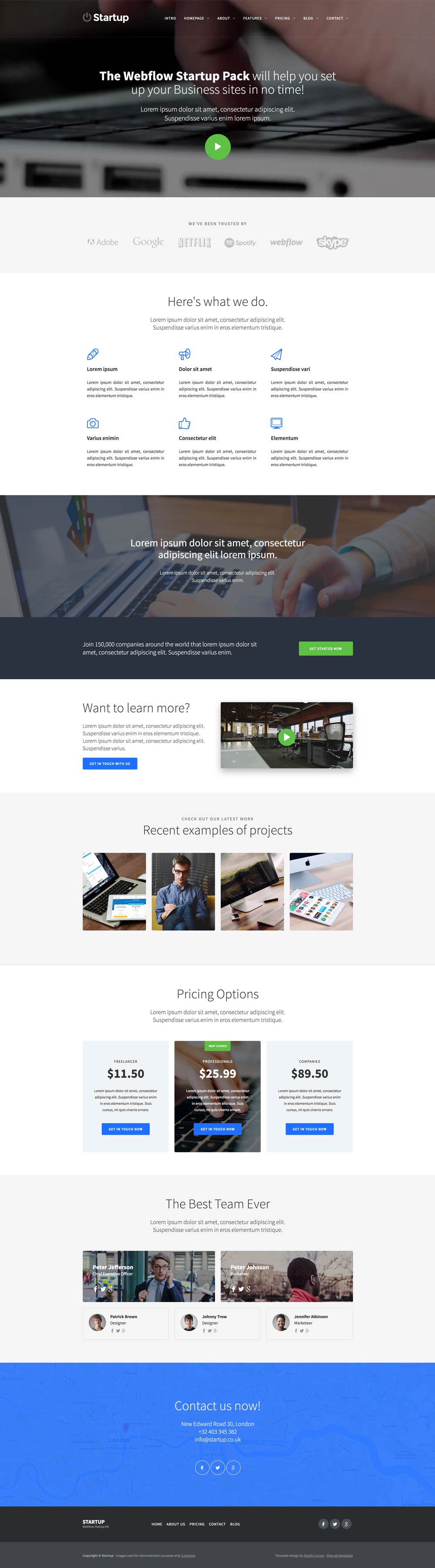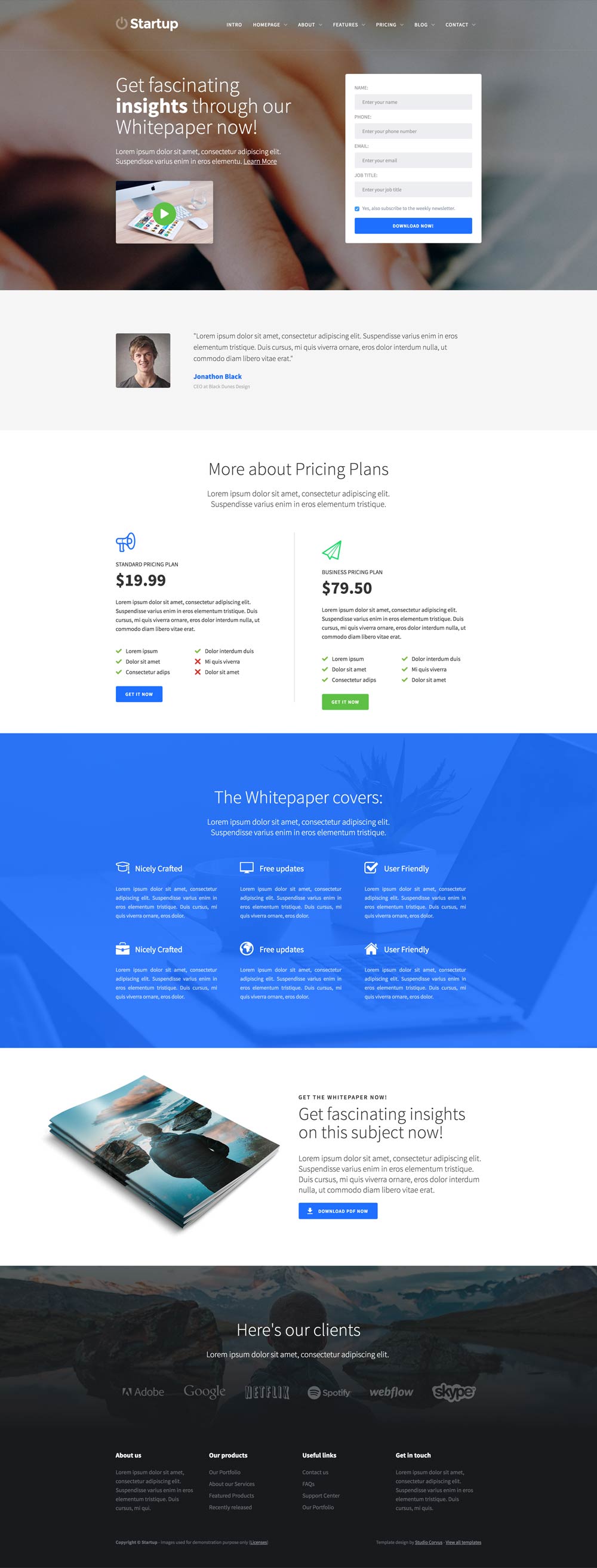
A nice Business landingpage to showcase your business, services and products!

The Startup Kit comes with 8 ready to use homepage variations. Of course you can rearrange them the way you'd like!

Be creative! Puzzle the different sections around and take sections from one page to another to create unique layouts!

Don't worry about the responsive part. We already did that! Be sure to do your own checks after you did customization though.

We created a few nice symbols for you to use around the site, such as different Navigation bars and Footers!

We created a lot of nice page layouts such as variations on contact pages, team pages, portfolio overviews and more.

And finally; just enjoy and be creative! If you have any questions, don't hesitate to contact us.
Sure! You can test out Webflow on our free plan where you can experiment with 2 projects. Your unhosted projects will have a two-page limit, but you can purchase a site plan on a per-project basis to unlock up to 100 static pages and additional CMS pages.
A project is a website that you build in Webflow. You can publish projects to a webflow.io staging subdomain for free, export the code on a paid plan, or add a site plan to connect your custom domain and unlock hosting features.
Pro accounts can add their own logo to Client Billing forms and the Editor. Pro accounts can also remove references to Webflow in the source code and form submission emails, and hide the Webflow badge from their staging sites.
Webflow hosting scales automatically to handle millions of concurrent visits. All site plans serve sites through our Amazon's Cloudfront CDN and accelerated using Fastly, loading sites in milliseconds.
We offer fast email support to paid accounts and prioritized help for team accounts. Community support (forum.webflow.com) is available to free accounts.
If you're new to building websites, our video tutorials will get up and running quickly. If you already know concepts behind CSS and the box model, you will feel at home in Webflow.

Whatever you put together, all element are ready to go mobile. We've done the work for you.

Of course you can customize anything the way you like it. Using Webflows website editor you have full control!
Don't worry about all the standard needed UI elements. We've taken care of them. Just select the ones you need!
Check them out